Import/Export
You can export some resources as a resource bundle, or you can import a resource bundle. Resource packs can be used for sharing purposes.
Export resource pack
Select one or more resources in the resource library, or select a folder or package, and then click the main menu "Resources-> Export Resource Package":
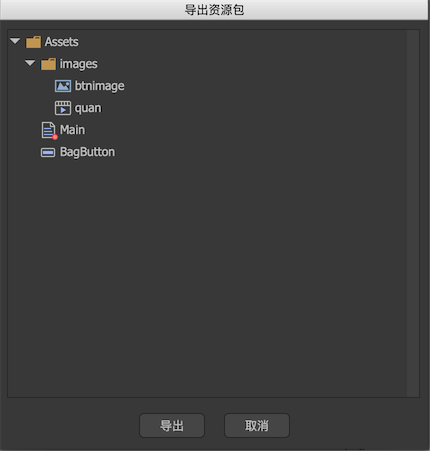
Here is a list of selected resources and the resources they depend on. Click Export to generate an extensionfairypackagedocument.
Import resource pack
Click on the main menu "Resources-> Import Resources" and follow the prompts to select an extensionfairypackagedocument.
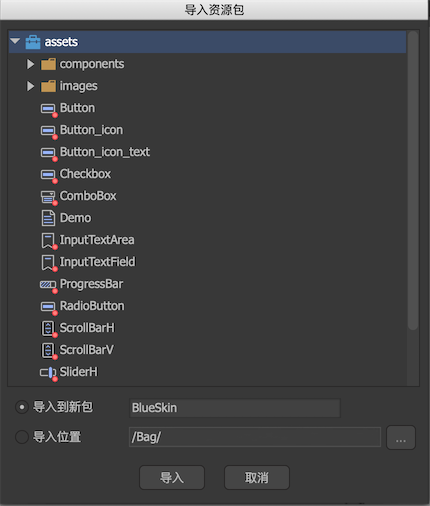
Select the import location, and then click Import. The resources in the fairypackage are imported to the specified location.
Import built-in resource packs
FairyGUI comes with several sets of skins, click the main menu "Resources-> Import built-in resource package", and then select one of the packages to import.